llms.txt: What It Is and Whether Your Website Needs One (2026)
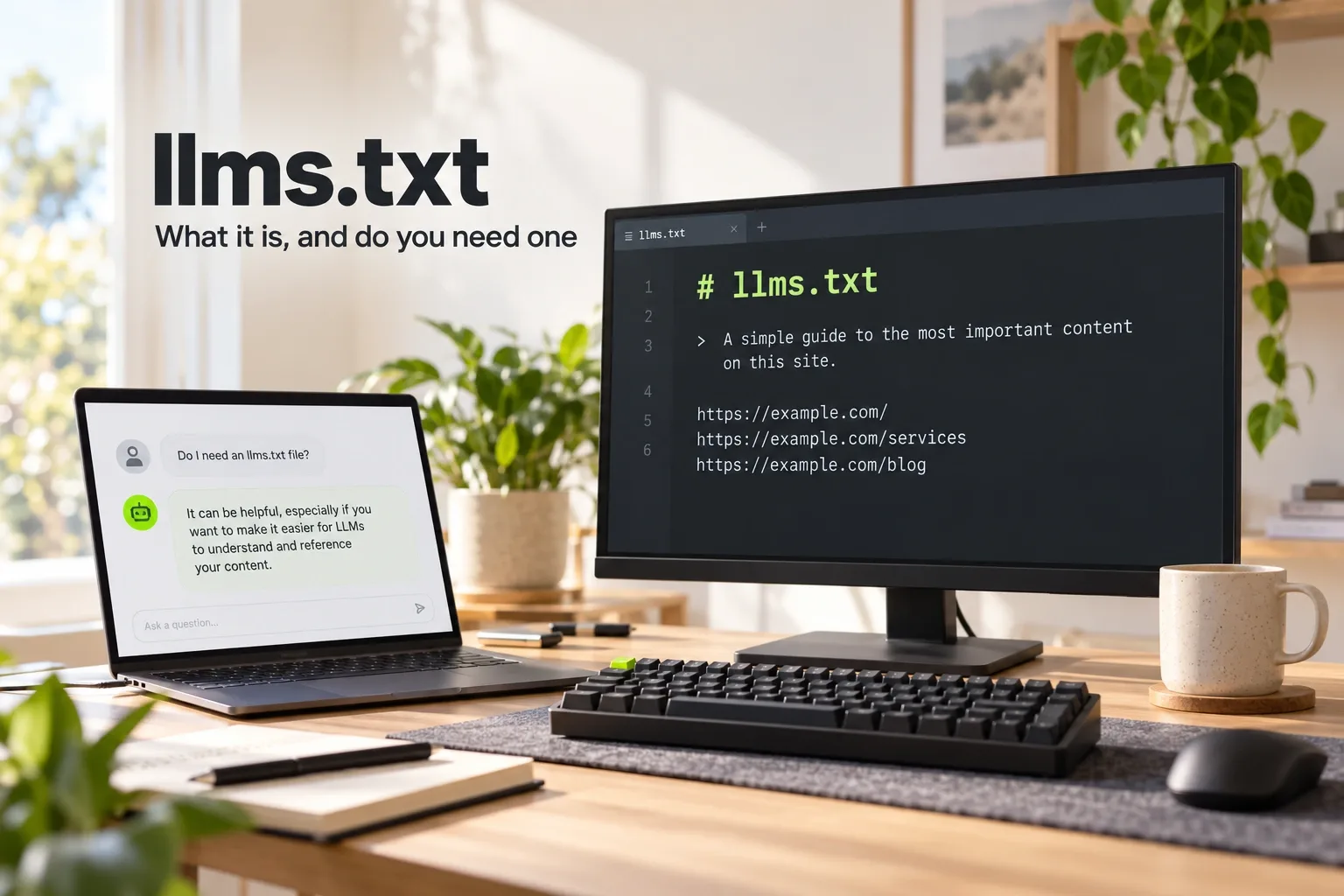
Quick answer: llms.txt is a proposed standard for a short markdown file at /llms.txt that gives AI agents a curated guide to your website: what the site is, plus links to the pages that matter, with a line of context for each. It doesn't control access like robots.txt, and Google says an llms.txt file "will neither harm nor help" your visibility in Google Search, because Google Search ignores it. Its author says it is used most heavily for software documentation, where coding agents follow it. It costs little to add, so it is worth having, as long as nobody sells it to you as a ranking fix.
We publish one ourselves at wowdigital.com.au/llms.txt, generated from the same data as our pages and sitemap. This guide uses it as the worked example.
What is llms.txt?
The llms.txt proposal describes itself as "a proposal to standardise on using an /llms.txt file to provide information to help agents use a website". It was written by Jeremy Howard and first published on 3 September 2024. Version 2, updated in August 2026, reflects two years of use.
The reasoning is practical. Web pages are built for people, with navigation, scripts and layout around the content, and AI tools have limited room to read. A short file that says "here is what this site is, and here are the pages worth reading" saves an agent from guessing.
The llms.txt format
The file is markdown, in a set order. Only the first heading is required:
- An H1 with the name of the site or project.
- A blockquote with a short summary containing the key information needed to understand the rest.
- Optional notes: paragraphs or lists with more detail, but no headings.
- H2 sections of "file lists": markdown lists of links, each written as
[name](url)with an optional colon and a note.
The proposal gives a section headed Optional a special meaning: agents can skip its links when they are short of space. Here is a shortened version of ours:
# wow.digital

> wow.digital is a website design and SEO agency for Australian businesses.

## Main pages

- [About](https://wowdigital.com.au/about): How the studio works and what it believes in.
- [Projects](https://wowdigital.com.au/projects): Recent client work.
- [Contact](https://wowdigital.com.au/contact-us): Start a website or SEO project.

## Blog

- [All posts](https://wowdigital.com.au/blog)
The proposal also suggests that pages agents might need offer a clean markdown copy at the same address with .md added, and that pages point to their llms.txt with standard link tags. Few small business sites do this yet.
llms.txt vs robots.txt vs sitemap.xml
| File | What it does | Who reads it |
|---|---|---|
| robots.txt | Tells crawlers which URLs they may request | Search engine and AI crawlers |
| sitemap.xml | Lists every page you want indexed | Search engines |
| llms.txt | A curated, readable guide to the important pages, with context | AI agents and tools that choose to read it |
The proposal says llms.txt is "designed to coexist with current web standards" and can complement robots.txt "by providing context for allowed content". It doesn't replace either one, and it can't block anything.
Who actually uses llms.txt?
According to the proposal's author, "thousands of sites publish an llms.txt file", documentation platforms generate one automatically, and "Chrome's Lighthouse audits sites for one as part of its agentic browsing checks". He also notes that OpenAI, Anthropic and Google's Gemini publish llms.txt files for their own developer documentation (llmstxt.org); you can see Anthropic's and OpenAI's for yourself.
The heaviest use is software documentation, where coding agents follow the file to find API references. For a business website, the audience is any AI agent asked about your business that looks for the file. How often that happens is hard to measure.
Does llms.txt help SEO or AI Overviews?
Not for Google. Google's guide to AI features says: "You don't need to create new machine readable files, AI text files, or markup to appear in these features. There's also no special schema.org structured data that you need to add" (Google Search Central). Its guide to optimising for generative AI is more direct: creating llms.txt files "will neither harm nor help your site's visibility or rankings in Google Search, as Google Search ignores them" (Google Search Central). Google's AI Overviews and AI Mode draw on its normal index, so an llms.txt file doesn't change whether you appear. Our guide to ranking in AI Overviews covers what does.
What it can do is make life easier for AI agents and assistants that read it: a clear summary of what you do, and direct links to your services, prices and contact details. That's a modest benefit for under an hour's work.
We publish one for that reason and say so plainly: we don't charge for an llms.txt as if it were a ranking lever, and you should be wary of anyone who does.
How to create an llms.txt file
- Write the H1 and summary. Your business name, then a one or two sentence blockquote saying what you do, for whom and where.
- Group your key pages under H2 headings, such as Services, Locations, Guides and Contact.
- Add one line of context per link. "Website design for Adelaide small businesses, from $500" tells an agent more than "Services".
- Keep it short. The point is curation. If you want to list everything, that's what the sitemap is for.
- Use your live domain in every link, never a staging or preview address.
- Publish it at the root as yoursite.com.au/llms.txt, served as plain text.
- Keep it current. Better still, generate it from your site's own data so it updates when pages change.
- Test it. The proposal suggests asking an AI agent questions about your site while giving it only your llms.txt as a starting point.
What we learned building ours
Our first llms.txt was written by hand, and it went stale quickly: it listed about half our blog posts and pointed every link at our preview hosting address instead of the live domain. We replaced it with a version generated from the same data as our pages and sitemap, so new pages appear automatically and every link uses wowdigital.com.au. We also publish an llms-full.txt with the full text of our posts and city pages, a convention some sites follow alongside the core file.
The lesson applies to any site: a hand-maintained llms.txt is only as good as the last time someone remembered to update it.
Common mistakes
- Naming it llm.txt. The proposal's file name is llms.txt.
- Blocking the AI crawlers you are writing for. If robots.txt blocks a crawler, an llms.txt won't help it. Check that the bots you care about are allowed; our technical SEO checklist covers robots.txt.
- Pasting the sitemap into it. A list of 500 links without context defeats the purpose.
- Out-of-date or preview links. Exactly the problem we had.
- Expecting rankings from it. Google says Google Search ignores it.
Should your business add one?
Yes, if someone can set it up in under an hour or generate it automatically, and keep it current. No, if it would come at the expense of the work that actually drives visibility in AI answers: pages that state clearly what you do and where, consistent business details across the web, and mentions from other sites. Our AI SEO service covers that work, and our guide to getting recommended by ChatGPT explains it for business owners. If you want us to check your site's AI readiness, including robots.txt and llms.txt, ask for a free website and SEO audit.
Work With wow.digital
If you would rather have this handled for you, these pages explain what we do and where we work:
Keep Reading
Frequently asked questions
What is llms.txt?
llms.txt is a proposed standard for a markdown file at the root of a website, at /llms.txt, that gives AI agents and language models a short, curated guide to the site: what it is, and links to the pages that matter. It was proposed by Jeremy Howard in September 2024 and updated to version 2 in 2026.
Does llms.txt help SEO?
Not for Google. Google says creating and maintaining llms.txt files will neither harm nor help your visibility or rankings in Google Search, as Google Search ignores them. It can help AI agents and tools that choose to read it find your key pages quickly.
What is the difference between llms.txt and robots.txt?
robots.txt tells crawlers which pages they may or may not request. llms.txt doesn't control access at all; it is a curated, readable summary with links, meant to help agents understand the site. A sitemap lists every page for search engines, while llms.txt lists only the important ones, with context.
Is it llms.txt or llm.txt?
The proposal names the file llms.txt, with an s, placed at /llms.txt. A file named llm.txt will not be found by tools that follow the proposal.
How do I create an llms.txt file?
Write a markdown file with an H1 heading for your site name, a short summary in a blockquote, optional notes, and H2 sections containing lists of links to your key pages, each with a short description. Upload it to the root of your site as /llms.txt, or generate it from your site's data so it stays current.